
No products in the cart.
Graphic Tablets
XPTAB Pro10: The Best Pen Tablet for Beginners Who Want More Than the Basics
19
Nov
Shopping for the best pen tablet for beginners is harder than it should be. Every listing promises professional results, every brand claims to be the one the pros use, and the prices range from a few thousand rupees to more than a month’s salary. What a beginner actually needs is simpler: a tablet that feels natural to draw on, a pen that responds to pressure, and a price that does not punish you for learning.
The XPTAB Pro10 is our pick for that job. It is a 10-inch, non-display pen tablet with 16,384 pressure levels, a battery-free stylus, a radial dial and shortcut keys — and at Rs16,999 on Best Choice Tablets, it costs less than the One by Wacom it competes with. In this guide, we explain what makes a good beginner pen tablet, what the Pro10 does well, where it falls short, and how it compares honestly with Wacom.
What Makes a Good Pen Tablet for Beginners?
A beginner pen tablet has to do four things well. First, it has to feel right: the pen should glide without lag, and the surface should have enough texture that the pen does not skate around. Second, it has to be big enough to draw comfortably but small enough to fit on a desk next to a keyboard. Third, it has to work with the software beginners actually use — Photoshop, Clip Studio Paint, Krita, and the free tools that come with most tablets. And fourth, it has to be cheap enough that you can buy it, try digital art properly, and not regret it if you take a month off.
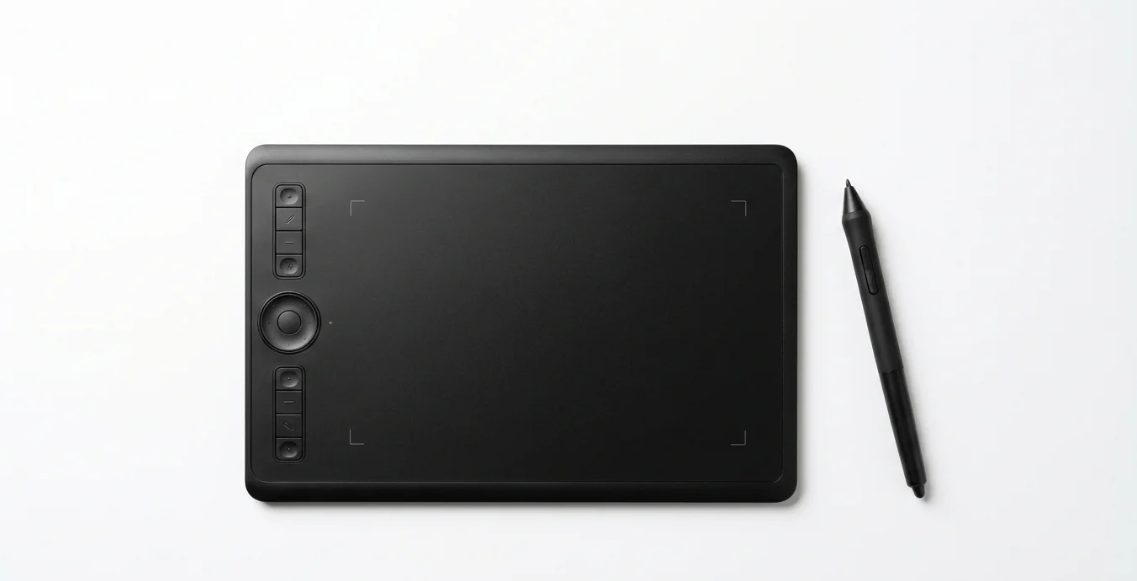
One more thing matters, and it is easy to overlook: the tablet should not need a screen. Non-display pen tablets — where you draw on the tablet and watch your monitor — are cheaper, lighter, and easier to set up than pen displays. They also teach you the hand-eye coordination that every digital artist relies on. The Pro10, the One by Wacom CTL-672, and the One by Wacom CTL-472 are all non-display tablets, so this guide compares like with like.
XPTAB Pro10 Up Close
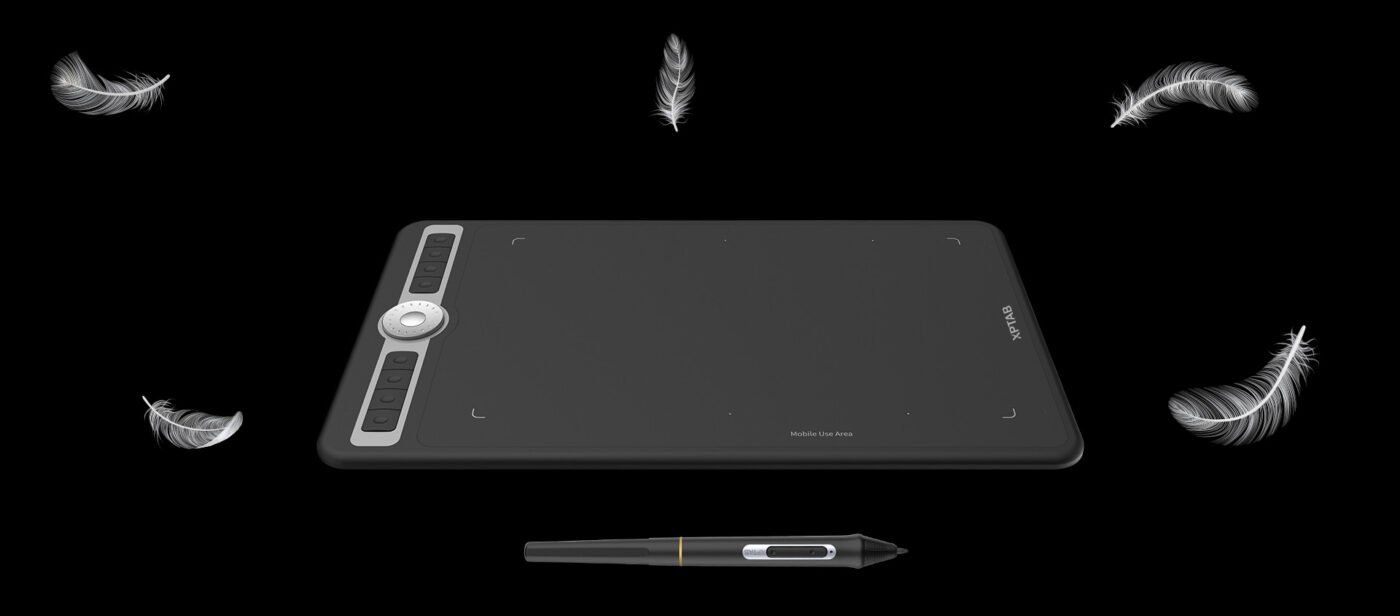
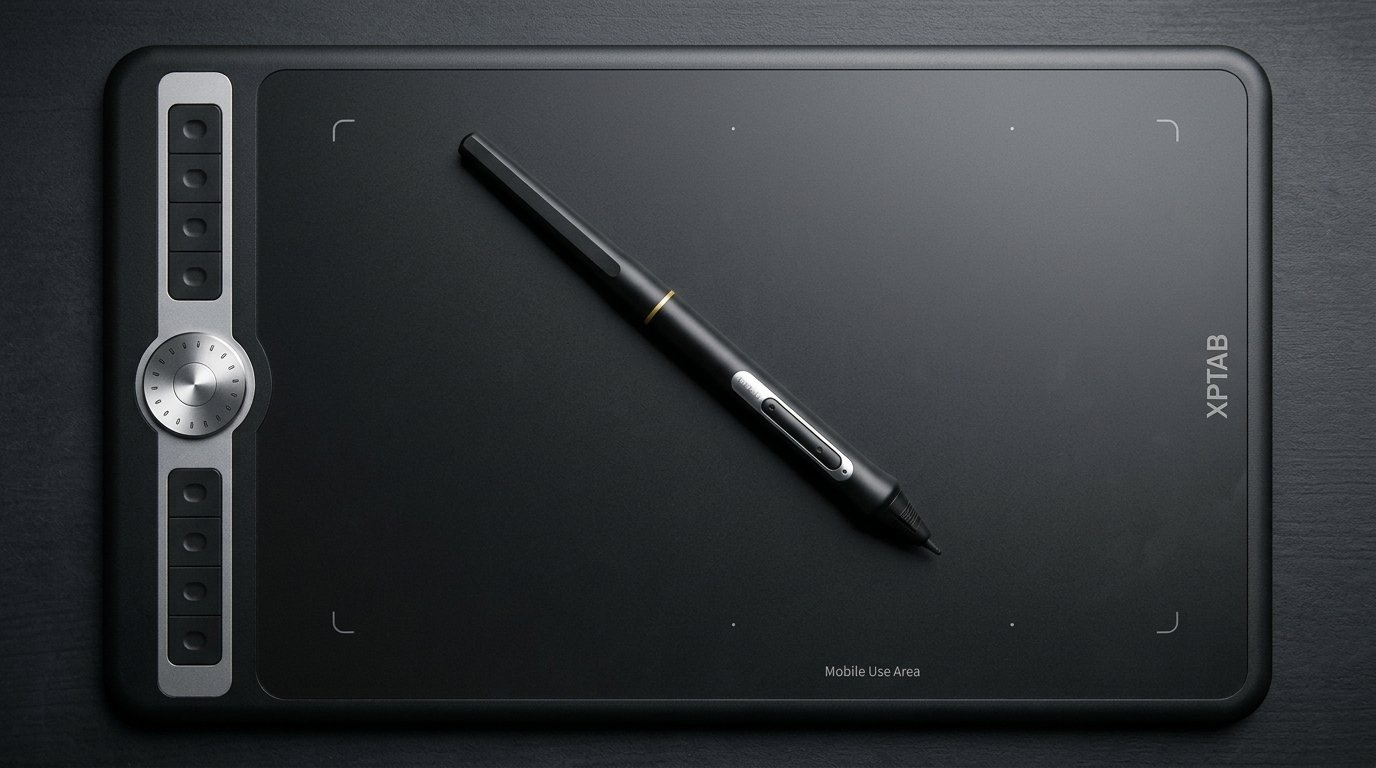
The XPTAB Pro10 is a 10-inch pen tablet built for drawing, photo editing, and online teaching. The headline number is 16,384 pressure levels — four times the 4,096 levels most budget tablets offer, and eight times the 2,048 levels of the One by Wacom. In practice, that means the pen can tell the difference between a whisper-light sketch line and a firm stroke, which makes shading and line weight feel natural much sooner.
- Active area: 10 inches, with a paper-texture surface that gives the pen some grip
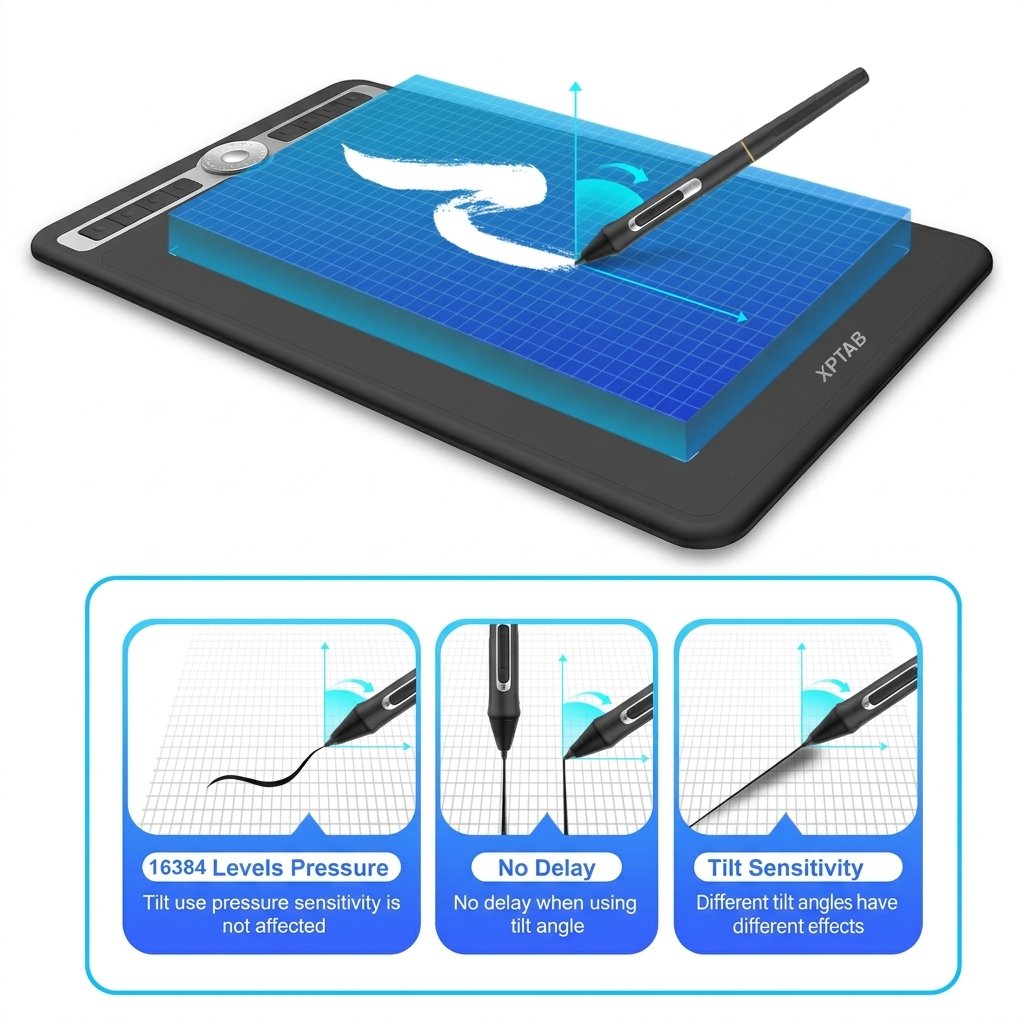
- Pressure levels: 16,384, with tilt support and 5,080 LPI resolution
- Pen: battery-free stylus, so there is nothing to charge and no battery to replace
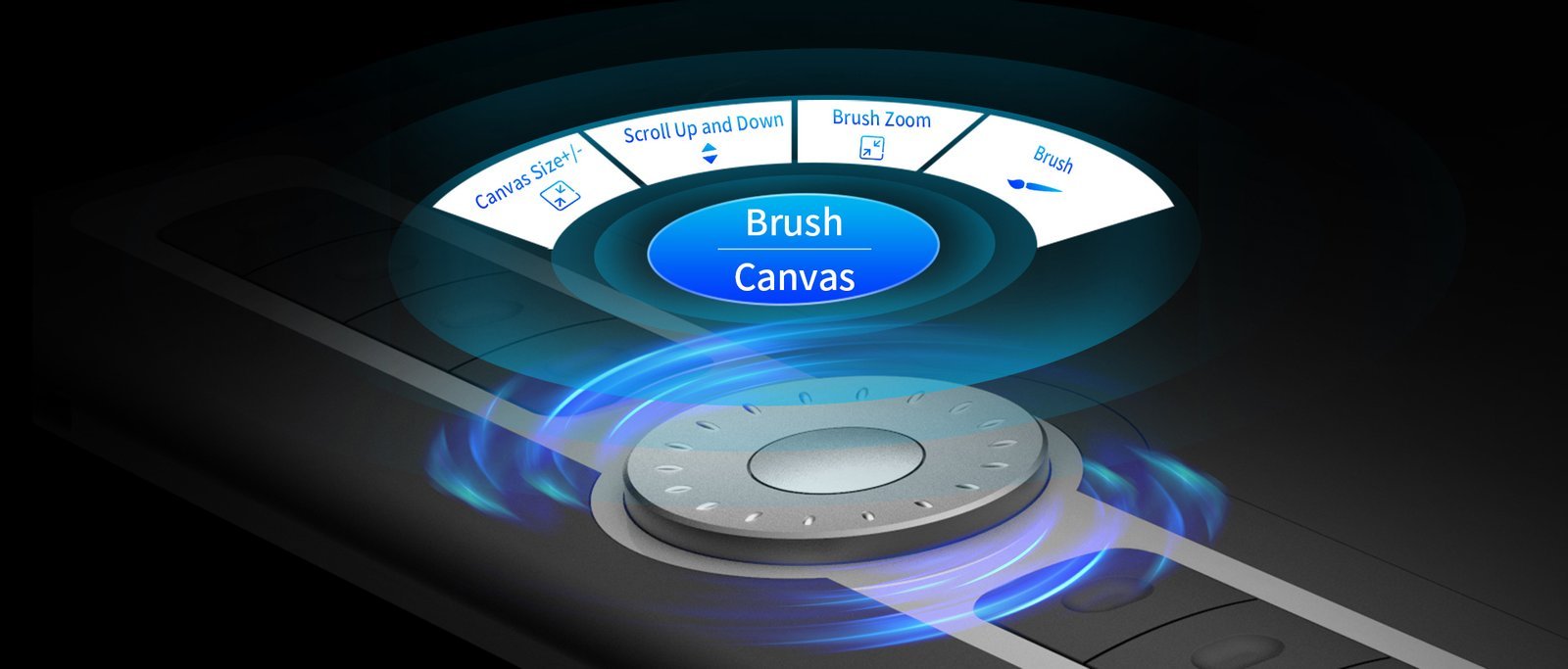
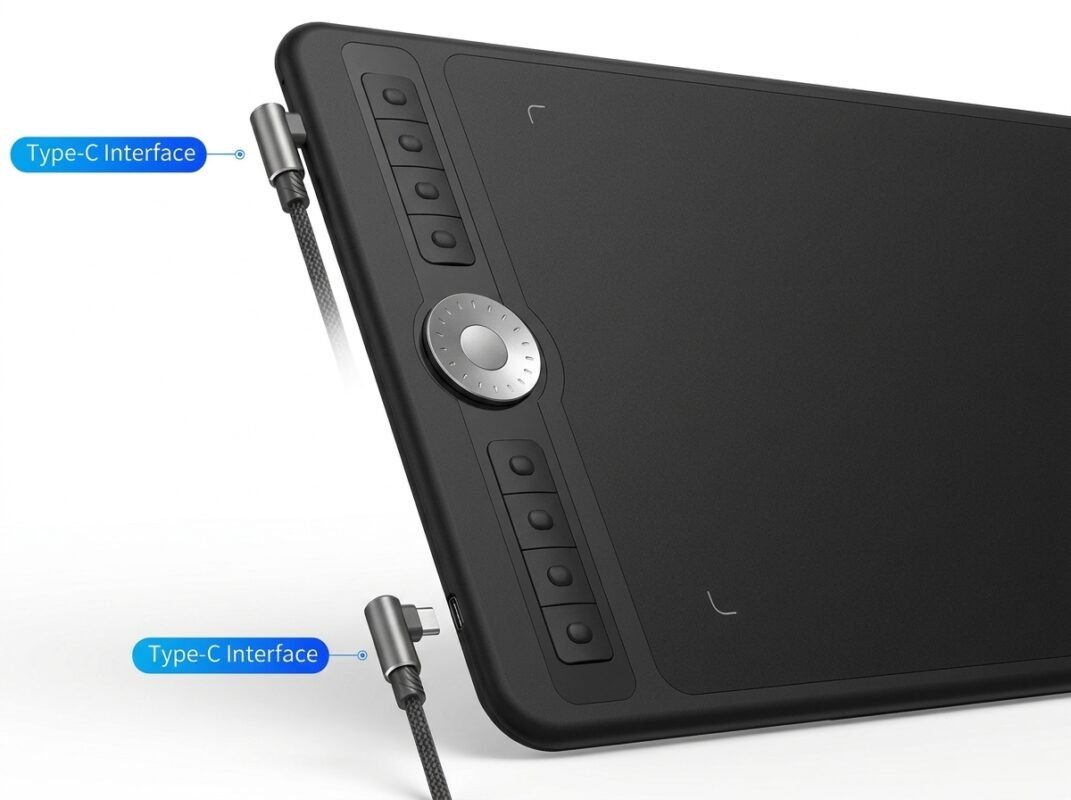
- Controls: a radial dial and shortcut keys for brush size, zoom, and undo
- Connection: dual USB-C ports — if one port fails, the other keeps you working
- Compatibility: Windows, macOS, and Android
The Pro10 is priced at Rs16,999 on Best Choice Tablets (reduced from Rs25,000). That puts it in the same price range as the smallest Wacom, but with the hardware of a much more expensive tablet. You can see the full specification and current price on the XPTAB Pro10 product page.
Pressure Levels, Pen Feel, and the Learning Curve
Pressure levels are the number most beginners fixate on, and it is worth understanding properly. A tablet with 2,048 levels can already draw a good line. What 16,384 levels give you is finer control at the light end of the range — the difference between a faint construction line and a confident stroke is easier to feel, and shading builds up more gradually. It will not make you a better artist on its own, but it removes one more thing to fight with while you learn.
The other half of pen feel is the surface. The Pro10’s paper-texture finish adds a little friction, which most beginners prefer to a slick plastic surface — your lines wobble less, and the pen feels more like a pencil. Expect a week or two before drawing on a tablet feels natural. That is normal: your hand is learning to draw in one place while your eyes watch another. Short, regular practice sessions beat one long weekend.
XPTAB Pro10 vs One by Wacom: An Honest Comparison
Wacom is the brand every other tablet is measured against, and for good reason: its pens and drivers are the most polished in the business, and the One by Wacom is the tablet most art teachers recommend to beginners. The XPTAB Pro10 is a Wacom alternative — not a Wacom product — and the honest comparison is about trade-offs, not a winner and a loser.
| XPTAB Pro10 | One by Wacom CTL-672 | One by Wacom CTL-472 | |
|---|---|---|---|
| Price on Best Choice Tablets | Rs16,999 (was Rs25,000), in stock | Rs29,999 (was Rs32,000), out of stock | Rs18,500 (was Rs20,000), out of stock |
| Pressure levels | 16,384 | 2,048 | 2,048 |
| Size | 10-inch (medium) | Medium | Small |
| Dial and shortcut keys | Yes — radial dial + keys | No | No |
| Pen | Battery-free, tilt support | Battery-free | Battery-free |
Read the table carefully. The Pro10 gives you more hardware for less money: eight times the pressure levels, a dial and shortcut keys, and a medium 10-inch drawing area for Rs16,999. What Wacom gives you is the brand: better drivers, wider software support, and a pen feel that many artists still prefer after years of use. If you want the safest, most proven beginner tablet and you can wait for stock, the One by Wacom CTL-672 is the default recommendation. If you want the most tablet for your money right now, the Pro10 is the better buy. Both are non-display pen tablets, so whichever you choose, you will be learning the same skill.
Prices and stock checked on 17 November 2026 on Best Choice Tablets: the One by Wacom CTL-672 (Rs29,999) and One by Wacom CTL-472 (Rs18,500) were both out of stock at the time of writing, while the XPTAB Pro10 (Rs16,999) was in stock. Check the product pages before ordering, as prices and availability can change.
What Size Pen Tablet Should a Beginner Buy?
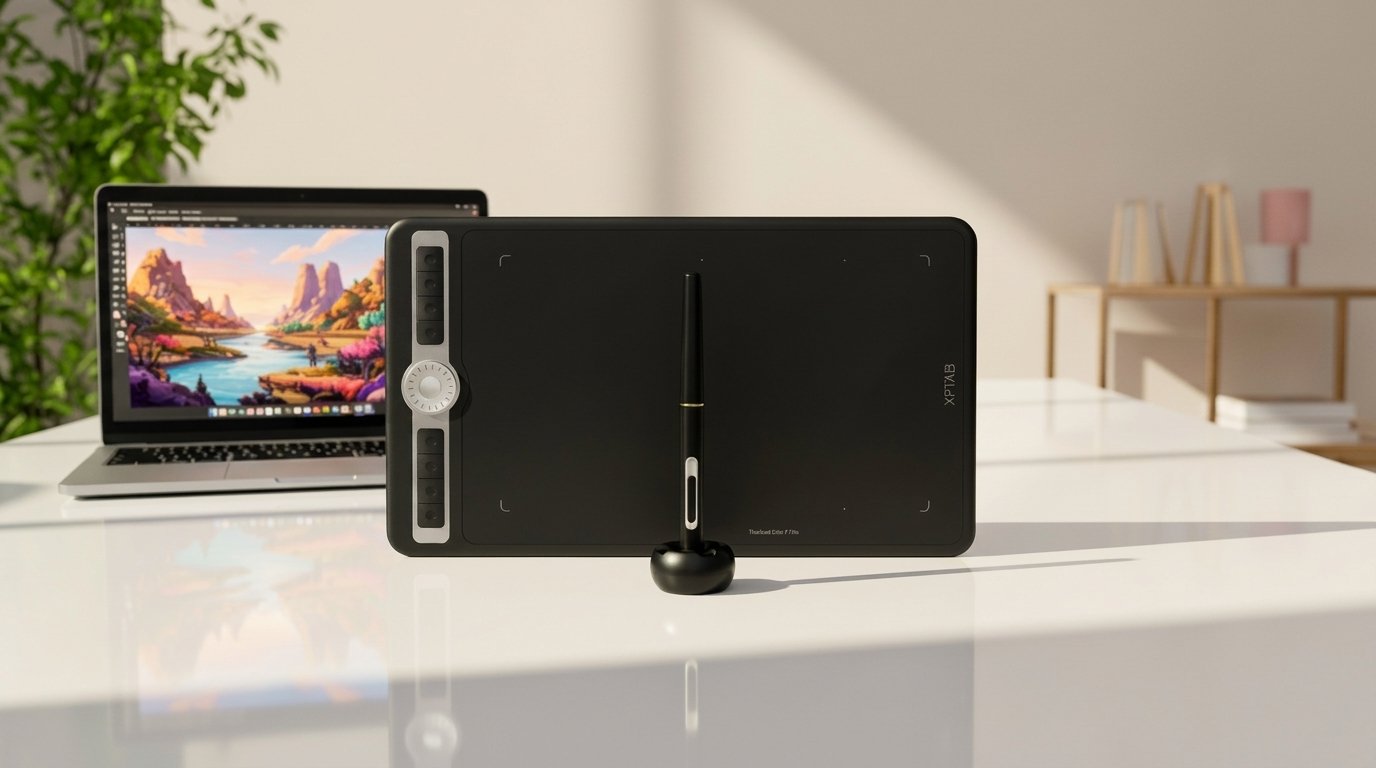
Beginners usually buy too small or too big. A small tablet is cheap and portable, but your arm runs out of room on long strokes. A large tablet gives you space, but it takes over your desk and costs more. A medium tablet — around 10 inches, like the Pro10 — is the sweet spot for most people: big enough to draw comfortably, small enough to sit beside a laptop.
If you mostly draw on a laptop at a desk, choose medium. If you travel a lot or draw on a small desk, a small tablet like the CTL-472 makes sense. Either way, do not buy a large pen display as your first tablet — it costs several times more and teaches you nothing a good pen tablet cannot.
Getting Started: Your First Week with a Pen Tablet
Setting up is simple: plug the tablet in, install the driver from the manufacturer’s site, and set the tablet’s drawing area to match your screen. Then give yourself a week of short practice sessions — tracing, shading exercises, and simple sketches — before you judge the tablet. Most beginners who give up do so in the first three days, before their hand-eye coordination catches up.
Start with free software if you are unsure: Krita is free and excellent for drawing, and MediBang Paint is a friendly first step. When you are ready, the Pro10 works with Photoshop, Clip Studio Paint, and most other drawing software on Windows, macOS, and Android.
Best Pen Tablet for Beginners: Frequently Asked Questions
Do I need a display tablet as a beginner?
No. A non-display pen tablet like the Pro10 or the One by Wacom is cheaper, lighter, and perfectly capable for learning digital art. Pen displays are nicer to use, but they cost much more and are best bought once you know you will stick with digital art.
Is the XPTAB Pro10 good for Photoshop?
Yes. The Pro10 works with Photoshop, Clip Studio Paint, Krita, and other standard drawing software on Windows and macOS. Its 16,384 pressure levels and tilt support are recognised by Photoshop’s brush engine.
Is XPTAB a Wacom product?
No. XPTAB is a separate brand, and the Pro10 is a Wacom alternative — a non-display pen tablet that competes with the One by Wacom on hardware and price. It is not made by Wacom, and it does not claim to be.
How much does the XPTAB Pro10 cost?
On Best Choice Tablets, the XPTAB Pro10 is Rs16,999 (reduced from Rs25,000) as of 17 November 2026. For comparison, the One by Wacom CTL-672 is listed at Rs29,999 and the CTL-472 at Rs18,500, though both were out of stock when we checked.
For most beginners, the XPTAB Pro10 is the best pen tablet for beginners who want more than the basics: a 10-inch drawing area, 16,384 pressure levels, a dial and shortcut keys, and a price of Rs16,999. Wacom still makes the most polished beginner tablet, and the One by Wacom CTL-672 remains the safe choice when it is in stock — but right now, the Pro10 is the tablet we would buy with our own money. See the XPTAB Pro10 on Best Choice Tablets.
