
No products in the cart.
Graphic Tablets
Best Graphic Tablet for Beginners in Pakistan: How to Choose Your First Drawing Tablet
11
Nov
Choosing the best graphic tablet for beginners in Pakistan is easier when you know what actually matters. Beginners do not need the most expensive tablet. They need a pen that feels natural, enough pressure sensitivity to vary line weight, and a size that fits their desk and their bag. This guide explains the key features in plain English, compares four beginner-friendly tablets you can buy from our store, highlights a few store favourites, and gives you an honest comparison with Wacom.
What a Beginner Actually Needs
A first drawing tablet should remove friction, not add it. Here is what counts:
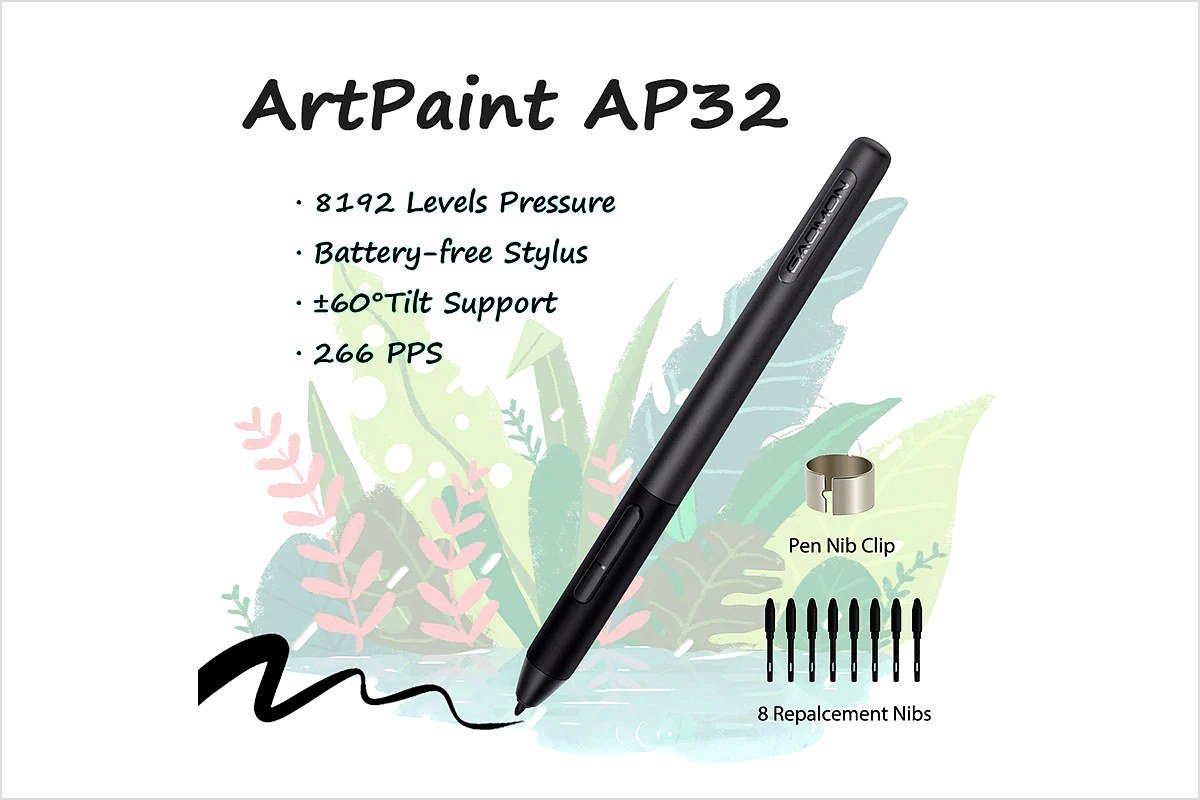
- A battery-free pen. Pens with passive electromagnetic (EMR) technology never need charging, so the tablet is always ready to use.
- At least 8192 levels of pen pressure. This is the modern standard and lets you draw thick and thin lines naturally.
- Compatibility with your devices. Check whether the tablet supports Windows, macOS, and Android phones or tablets.
- A comfortable size. A 6 to 8 inch tablet suits most beginners. Larger areas help if you draw big or teach online.
- A trustworthy local seller. Buying in Pakistan means you want cash on delivery, a warranty, and someone to call. Our store offers all three.
Size and Active Area
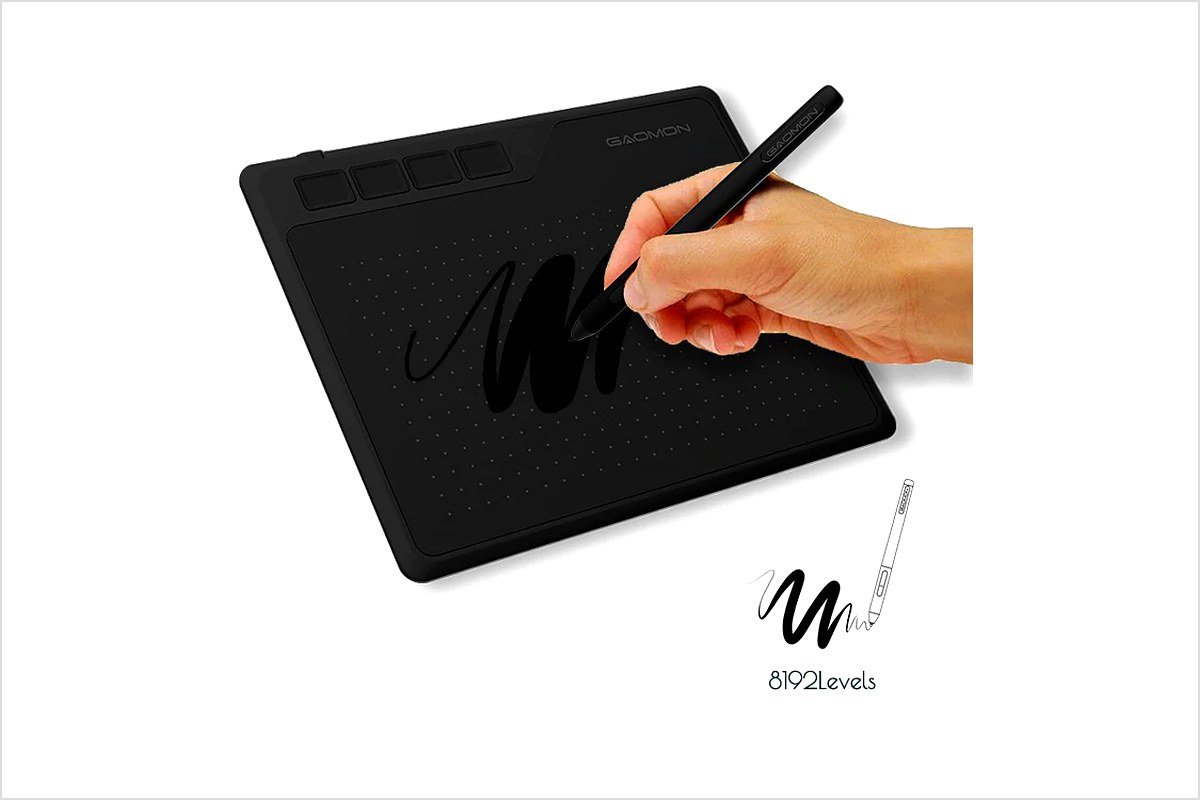
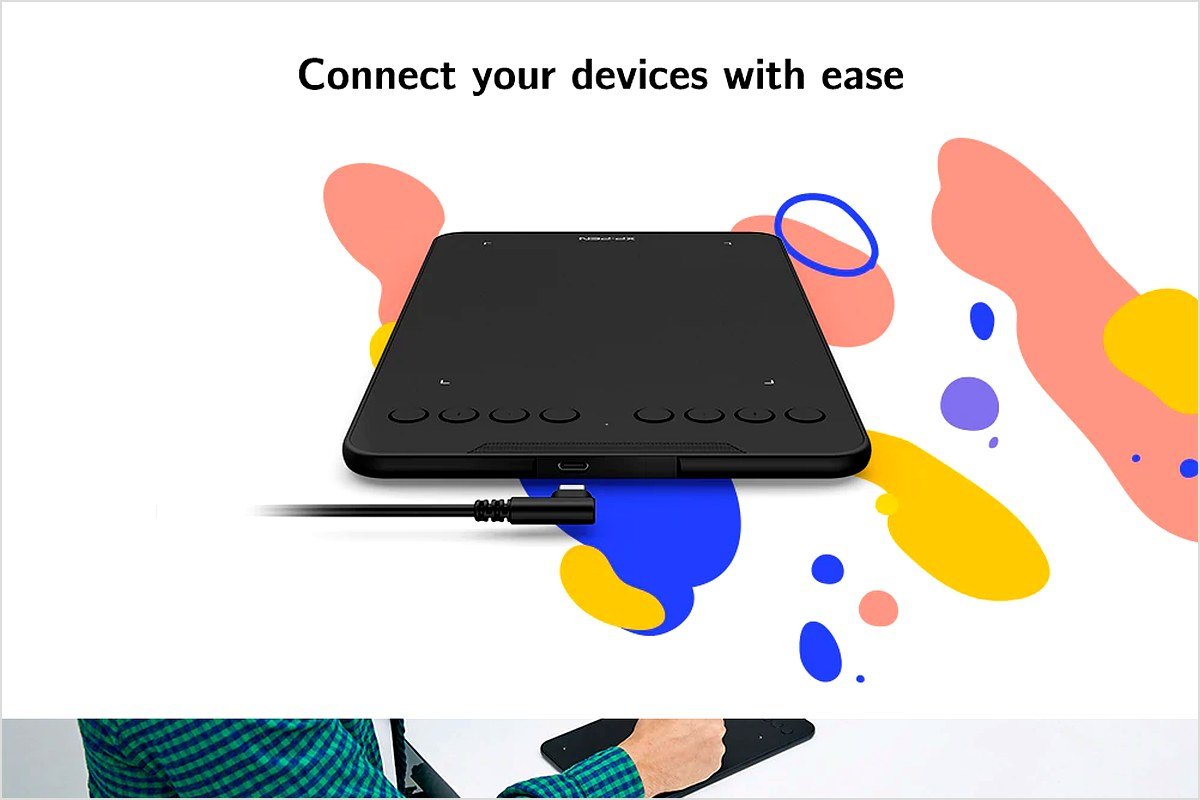
The active area is the part of the tablet that maps to your screen. A 6 x 4 inch area, like the GAOMON S620 (6.5 x 4 inches) and the Huion HS64 (6.3 x 4 inches), is compact and portable, and it suits beginners well. An 8 x 5 inch area, like the XP-Pen Deco mini7 (8 x 5 inches) or the UGEE S1060W, gives you more room for broad strokes. If you plan to teach or draw for long sessions, the bigger area is more comfortable. Bigger is not automatically better, though: a small tablet trains precise hand control, which is exactly what a beginner needs.
Pen Pressure and the Battery-Free Pen
Pen pressure decides how thick or thin your lines get as you press harder or softer. 8192 levels is today’s standard and feels natural for sketching, inking, and shading. All the tablets in this guide use battery-free pens, so you never charge the stylus. Some pens add tilt recognition for shading, which is a nice extra rather than a must-have for a first tablet.
Four Beginner Tablets You Can Buy Today
Here are four solid beginner picks from our own store. Each one is linked to its product page with the current price.
- GAOMON S620. A 6.5 x 4 inch tablet with a battery-free pen, 8192 pressure levels, and four express keys. It works with Windows, macOS, and Android, and it is one of the most affordable ways to start digital drawing. Price: Rs 10,500.00 (was Rs 12,000.00).
- Huion HS64. A 6.3 x 4 inch tablet with a battery-free pen, 8192 pressure levels, and four express keys. It supports Windows, macOS, and Android, and its slim body travels well. Price: Rs 12,500.00 (was Rs 14,000.00).
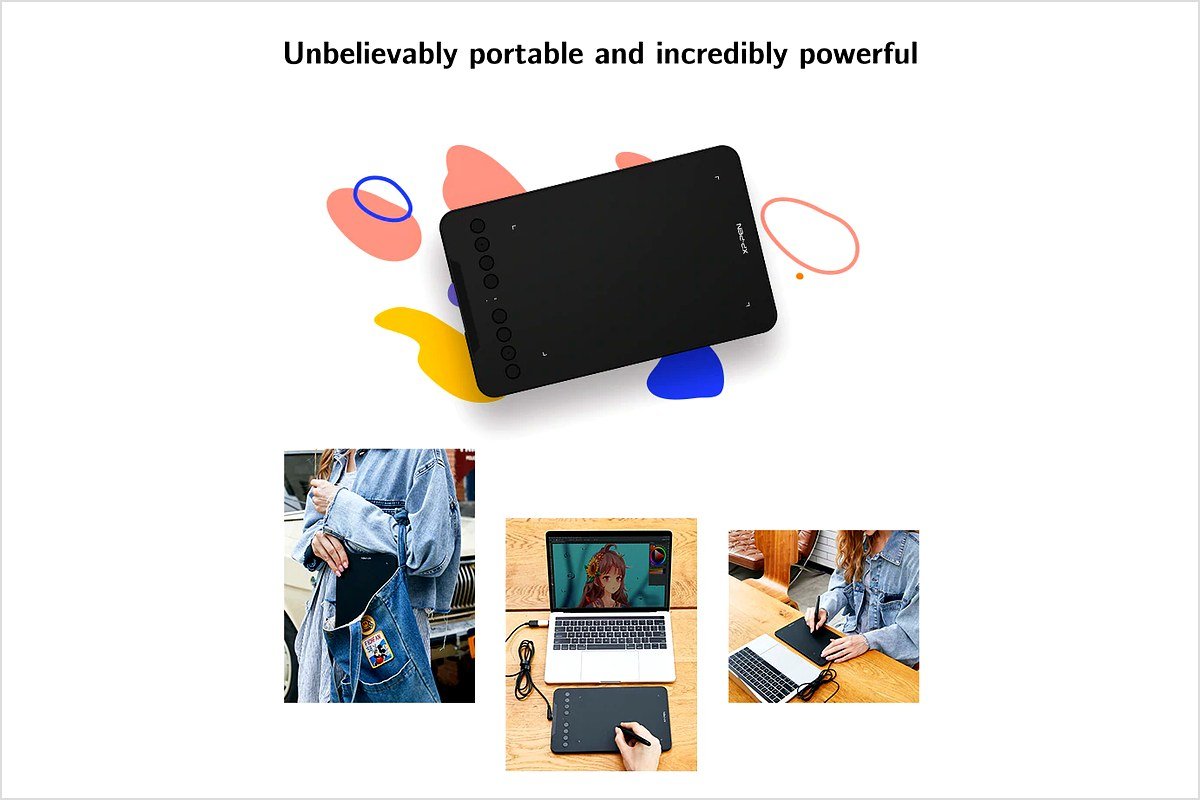
- XP-Pen Deco mini7. An 8 x 5 inch tablet with a battery-free pen, 8192 pressure levels, and eight express keys. It works with Windows, macOS, Android, and Chrome OS, so it is a flexible pick if you switch devices. Price: Rs 15,000.00.
- UGEE S1060W. A wireless-capable 10 x 6.27 in pen tablet with a battery-free pen, 8192 pressure levels, and twelve express keys. The large area suits online teaching and bigger drawings. Price: Rs 17,500.00 (was Rs 23,000.00).
Store Favourites
Three of our store’s best-selling tablets deserve a special mention for beginners who want a little more.
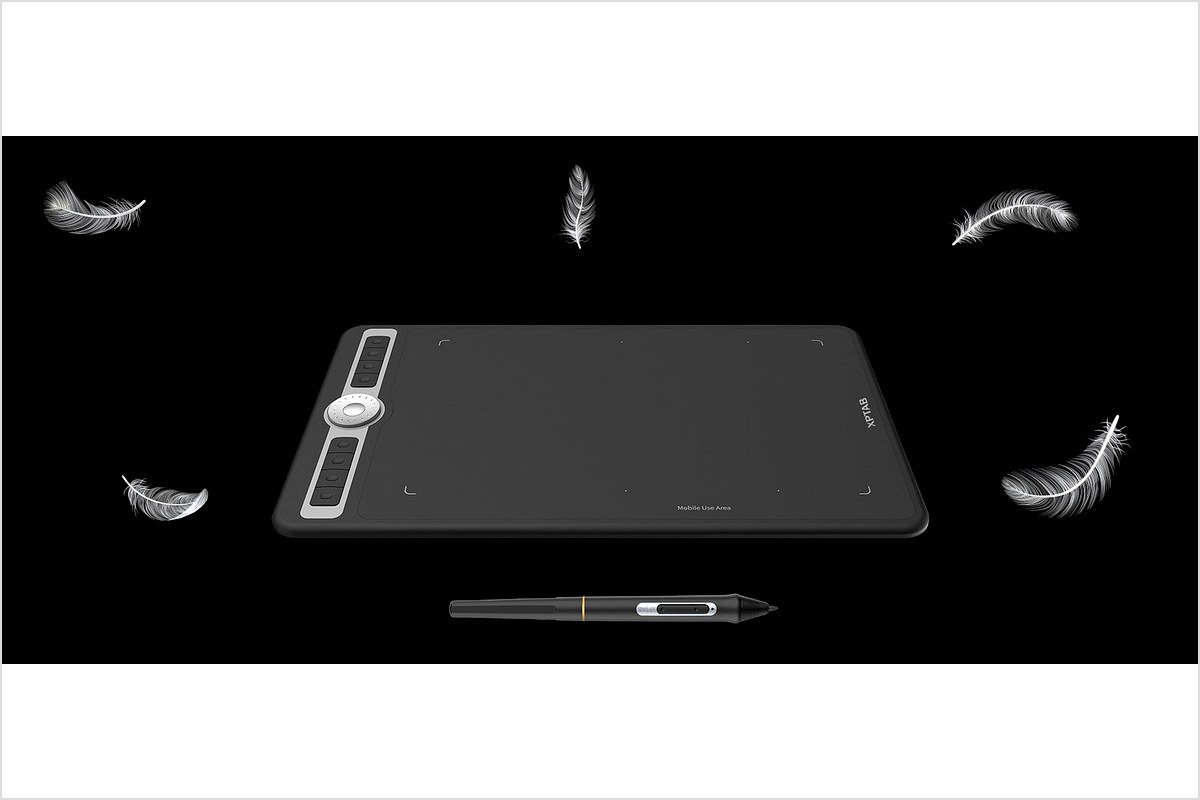
- XPTAB Pro10. A 10-inch tablet with 16,384 (16K) pressure levels, dual USB-C fail-safe connection, and a tilt-recognizing battery-free stylus. It suits ambitious beginners who want pro-level specs without a pro-level price. Price: Rs 16,999.00 (was Rs 25,000.00).
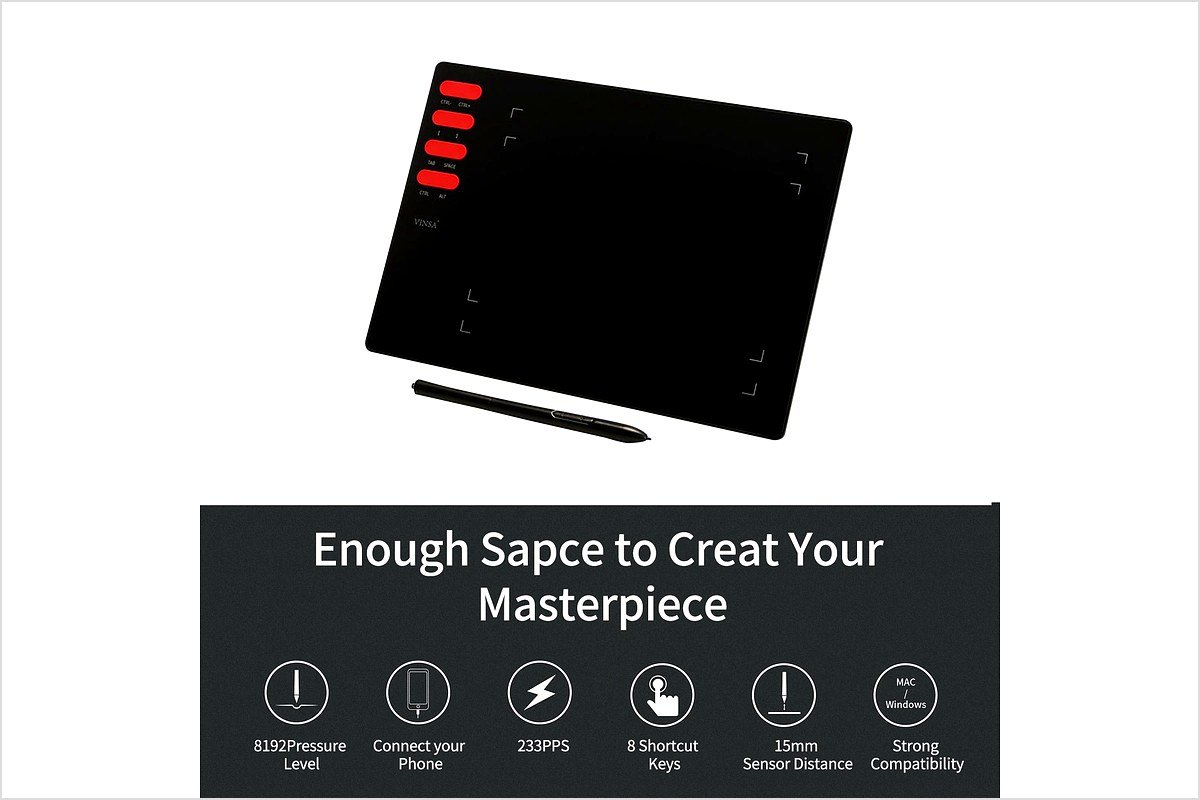
- Vinsa T505. A 7.6 x 5.6 inch (193 x 143 mm) tablet with 8192 pressure levels, a battery-free pen, and 8 shortcut keys. It is light, simple, and beginner-friendly. Price: Rs 12,000.00 (was Rs 13,500.00).
- Bosto BT-101A. Our pen-display pick, in a category of its own: instead of looking up at a monitor, you draw directly on its 10.1-inch IPS screen (1280 x 800, 90% sRGB, 178-degree viewing angle). It has a battery-free stylus with 16,384 pressure levels and two pen buttons, an ultra-thin aluminum body, and works with Windows systems over USB-C. Price: Rs 45,000.00 (was Rs 65,000.00).
How Do Beginner Tablets Compare to Wacom?
Wacom is the reference brand of the pen-tablet world, and many beginners in Pakistan ask whether they should simply buy a Wacom. For a fair answer, here is a like-for-like comparison of three non-display pen tablets: the genuine Wacom option against two popular alternatives sold on our site.
The One by Wacom CTL-672 is a genuine Wacom medium pen tablet. Its product page lists an 8.5 x 5.3 inch (216.0 x 135.0 mm) active area, a battery-free cordless pen (LP-190K) with 2048 pressure levels, and a USB cable connection (Micro USB to USB-A), at Rs 29,999.00 (was Rs 32,000.00).
- Size (active area): 8.5 x 5.3 inches (216.0 x 135.0 mm) on the One by Wacom CTL-672 (medium); 7.6 x 5.6 inches (193 x 143 mm) on the Vinsa T505; and a 10-inch surface on the XPTAB Pro10.
- Pressure levels: 2048 on the Wacom, 8192 on the Vinsa T505, and 16,384 (16K) on the XPTAB Pro10. For a beginner this difference is barely noticeable. Smooth lines come from practice, not from bigger numbers.
- Pen type: all three use battery-free pens: the Wacom LP-190K cordless pen, the Vinsa T505 battery-free passive pen, and the XPTAB Pro10 battery-free stylus with tilt recognition.
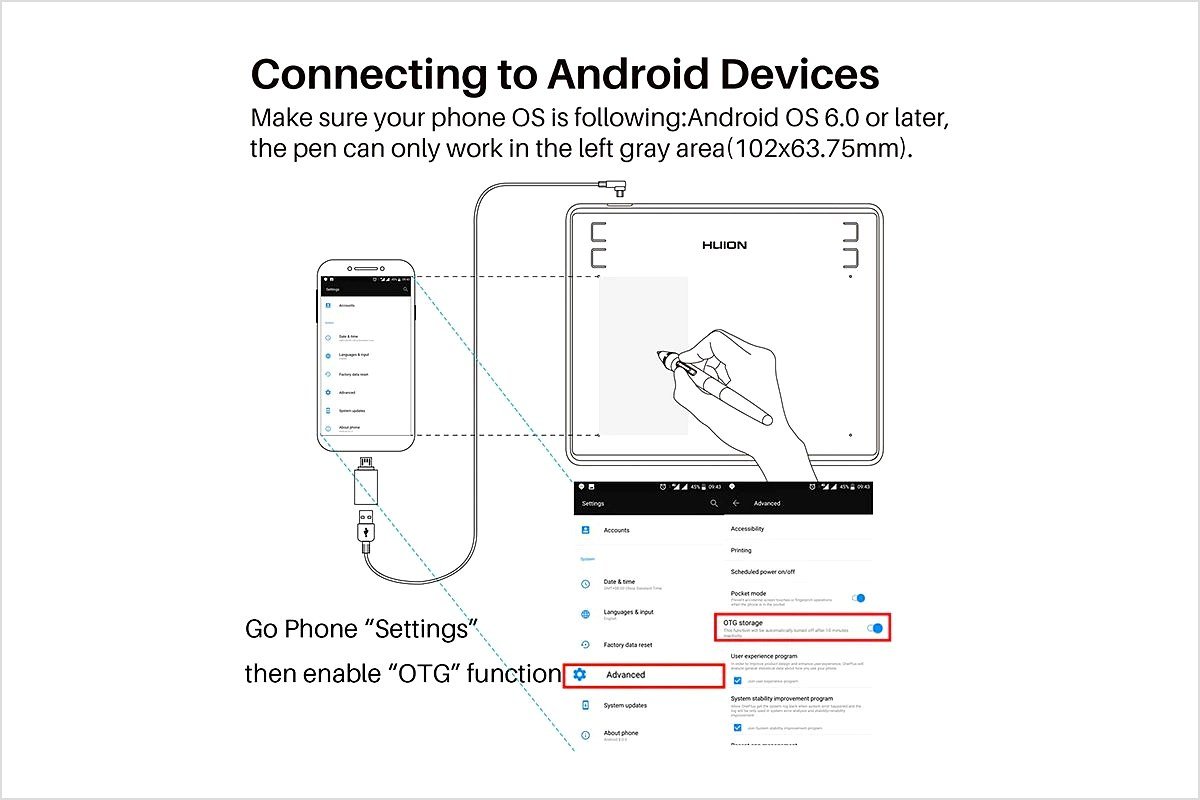
- Connectivity: the Wacom connects over USB cable (Micro USB to USB-A); the Vinsa T505 ships with a USB cable plus OTG adapters for Android; the XPTAB Pro10 uses a dual USB-C fail-safe system.
- Price as shown: Rs 29,999.00 for the One by Wacom CTL-672 (was Rs 32,000.00), Rs 12,000.00 for the Vinsa T505 (was Rs 13,500.00), and Rs 16,999.00 for the XPTAB Pro10 (was Rs 25,000.00).
- Drivers and reliability: Wacom’s drivers are the most mature in the industry. Vinsa and XPTAB each ship their own drivers. Install the driver for the brand you buy and keep it updated.
- An important clarification: Vinsa and XPTAB are independent brands. They are not Wacom products. Our store sells both genuine Wacom tablets and these alternatives, so choose based on budget and features, not the name alone.
The bottom line: if the Wacom name and its drivers matter most to you, the One by Wacom CTL-672 is the genuine article. If you want more pressure levels and extra features for less money while you learn, the Vinsa T505 and XPTAB Pro10 are the smarter buy.
Frequently Asked Questions
Do I need a laptop, or can I use a tablet with my phone?
Not necessarily. The GAOMON S620, Huion HS64, XP-Pen Deco mini7, UGEE S1060W, XPTAB Pro10, and Vinsa T505 support Android devices, so you can draw on a compatible phone or tablet. The Bosto BT-101A pen display and the One by Wacom CTL-672 are designed for computers.
Is a battery-free pen really better?
Yes. There is nothing to charge and nothing to replace. Every tablet in this guide ships with a battery-free stylus.
What size tablet should a beginner buy?
A 6 to 8 inch tablet is enough for learning. Move to a 10-inch tablet, or a pen display like the Bosto BT-101A, when you start drawing professionally or teaching online.
Can I use a graphic tablet for online teaching?
Absolutely. Teachers in Pakistan commonly use the XP-Pen Deco mini7, UGEE S1060W, XPTAB Pro10, and Vinsa T505 for writing on screen during Zoom or Google Meet classes.
How do I order from your store?
Call or WhatsApp 03480225229, 03212437755, or 03334171952. Cash on delivery is available across Pakistan.
Ready to start drawing? Pick a beginner tablet that fits your budget, the GAOMON S620, Huion HS64, XP-Pen Deco mini7, or UGEE S1060W, our store favourites the XPTAB Pro10, Vinsa T505, and Bosto BT-101A, or the genuine One by Wacom CTL-672 One by Wacom CTL-672, and explore the full Shop. For help choosing, call or WhatsApp 03480225229, 03212437755, or 03334171952.
